
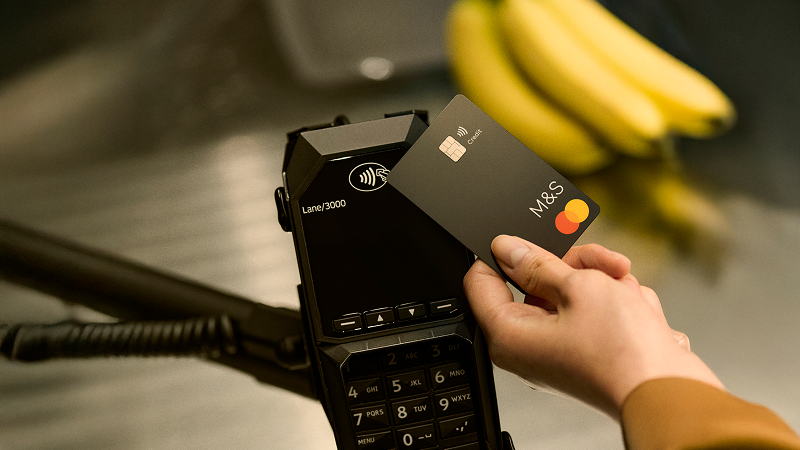
How to make a contactless payment
- Check – Make sure your card and the payment terminal have the contactless symbol and that the payment isn’t over £100.
- Contact – When you’re ready to pay, tap your card on the payment terminal.
- Confirm – Wait for your payment to be approved.
You can also use your phone or smartwatch to make contactless payments using your digital wallet. You’ll still earn Rewards points on payments made using contactless.
Tried to make a contactless payment but it’s not working?
You’ll need to activate your card when you first receive it and make a chip and PIN transaction before using the contactless feature. We may ask you to enter your PIN from time to time so we know it's you using the card. Forgotten your PIN? You can view your PIN in the M&S Bank app.
Want to make payments over £100?
By adding your card to your digital wallet, you can make payments without the need for your card or your PIN.
Keep track of your spending with spend notifications
Get notified each time you spend so you can stay in control.