
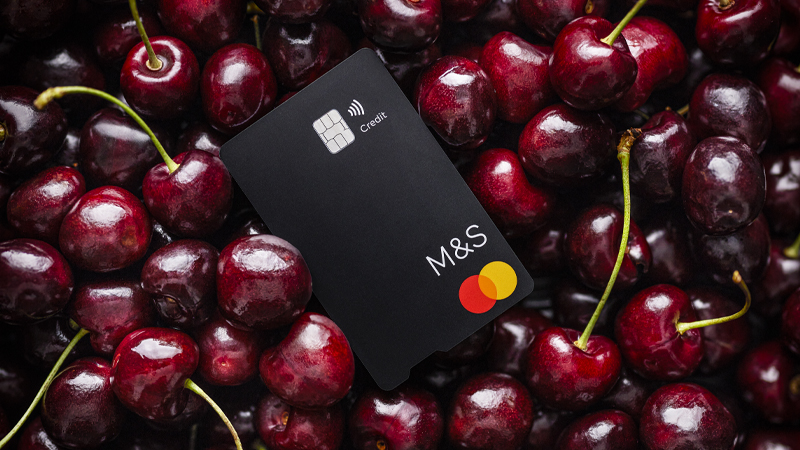
Start spending today…
- Download and set up the M&S Bank app using your account number found in your agreement email, valid ID* and a valid mobile number registered with us
- In the M&S Bank app, you can add your card to your digital wallet so you can start spending instantly
What to do when your card arrives…
- You’ll need to activate your card in the app before you can use it
- Request a balance transfer** if you want to move a balance
- Set up Digital Rewards and Sparks if you haven’t already to make the most of your card benefits
- Use chip and PIN for your first in-store payment with your physical card. After this, you can pay using contactless
Stay in control
Use the M&S Bank app to manage your account wherever and whenever.
Don’t forget to…
- Pay your credit card balance by setting up a Direct Debit or explore the other ways you can pay
- Chat with us 24/7 for any queries
- Turn on notifications in the app to be notified when your card is used or your transaction declines
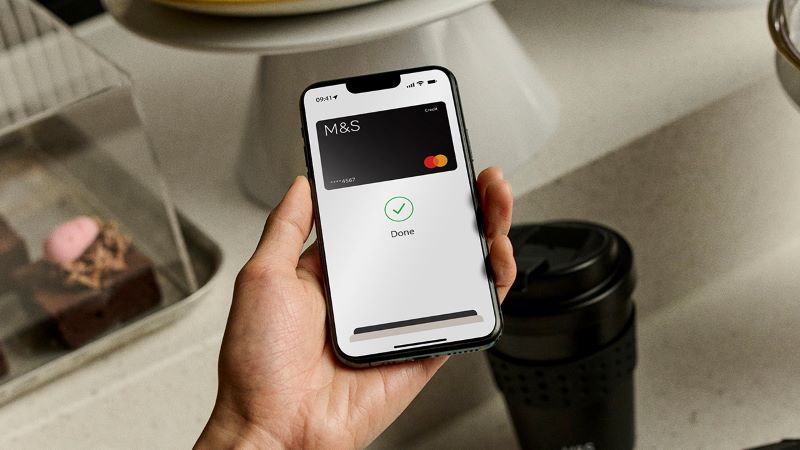
You tap. We treat.
Earn Rewards^ points, which count towards M&S vouchers, when you spend on your new card.

Club Rewards
Boost your Rewards and unlock yearly perks by adding a Club Rewards subscription for £10 per month to your M&S Credit Card.
Managing your account
Understanding your statement

Find out more about using your card
Temporarily block your card if you’ve misplaced it.
Request a replacement card in the M&S Bank app.
Forgotten your PIN or need support unlocking it?

Keep track of your spending and be aware of any unusual activity on your account by setting up spend notifications. It’s just one of the ways we can help you protect you from fraud.

We understand that everyone needs something a little different so if something isn't working for you, get in touch to let us know.
*You can register for the M&S Bank app using UK photocard driving licence or provisional driving licence, valid passport that is signed, national ID card, EEA or Swiss National ID card.
**Balance transfers are subject to status, affordability and terms and conditions.
^M&S Rewards points cannot be earned on balance transfers, cash advances/withdrawals, interest charges, M&S Travel Money, foreign currency or M&S rewards vouchers.